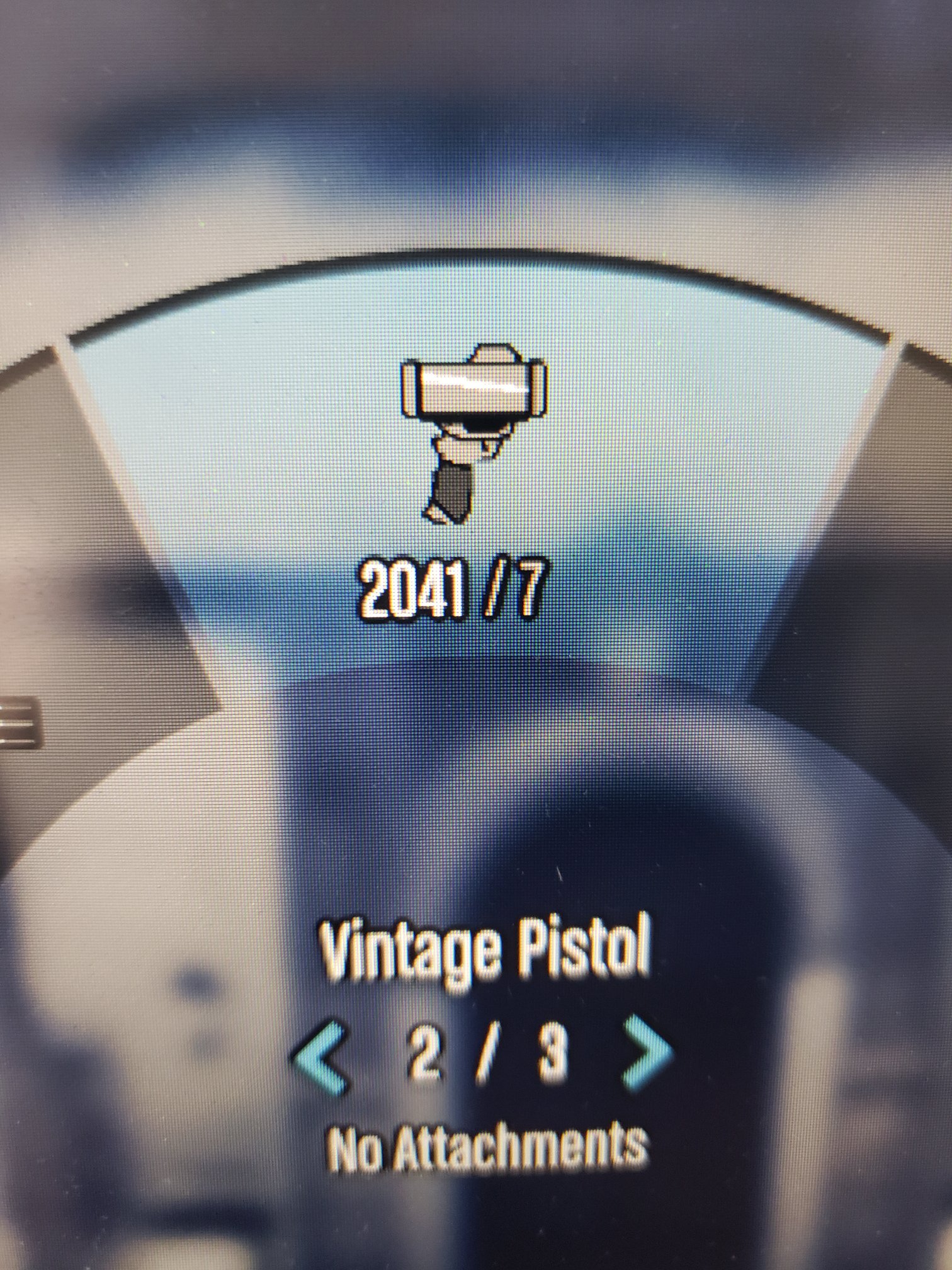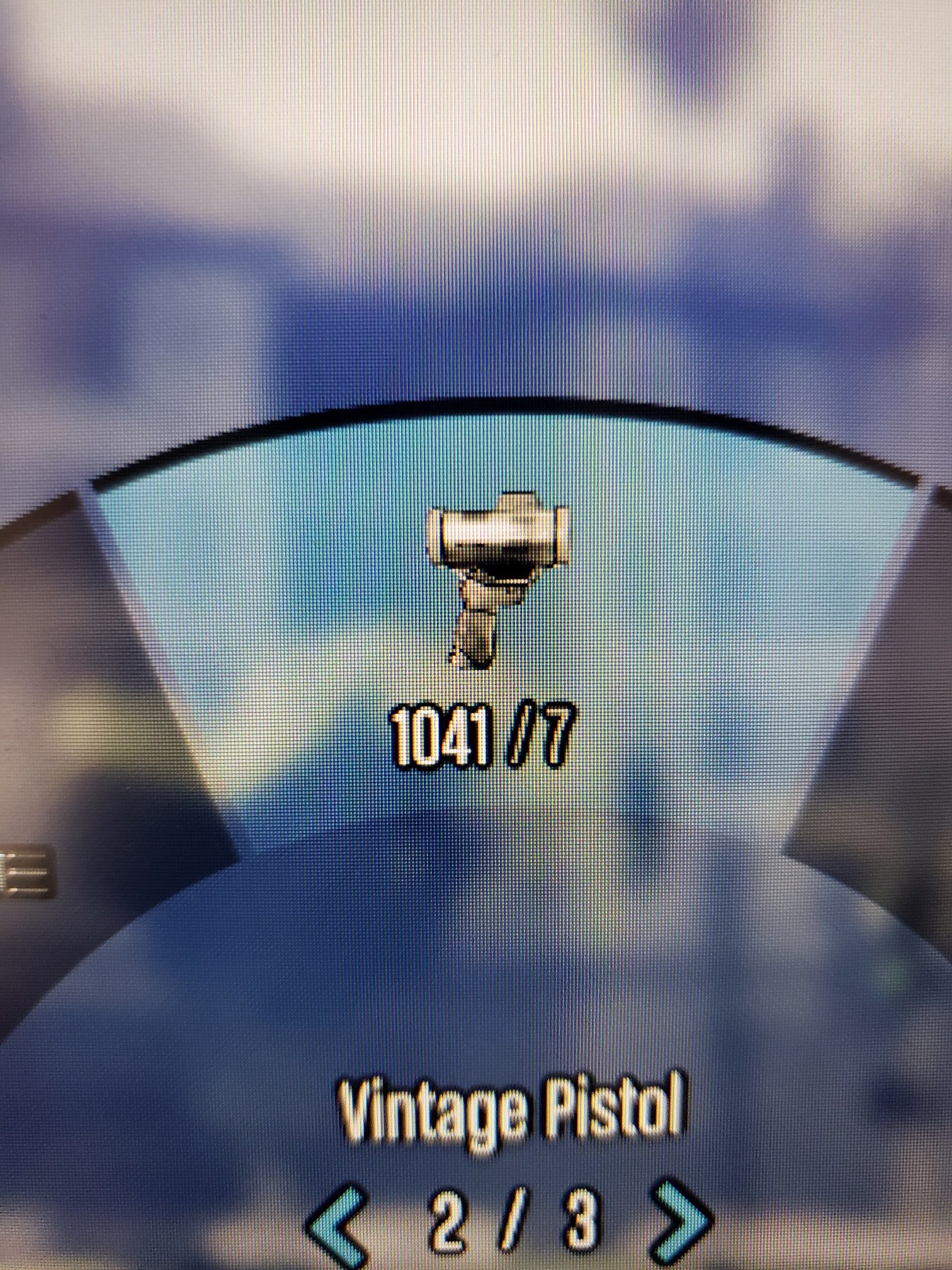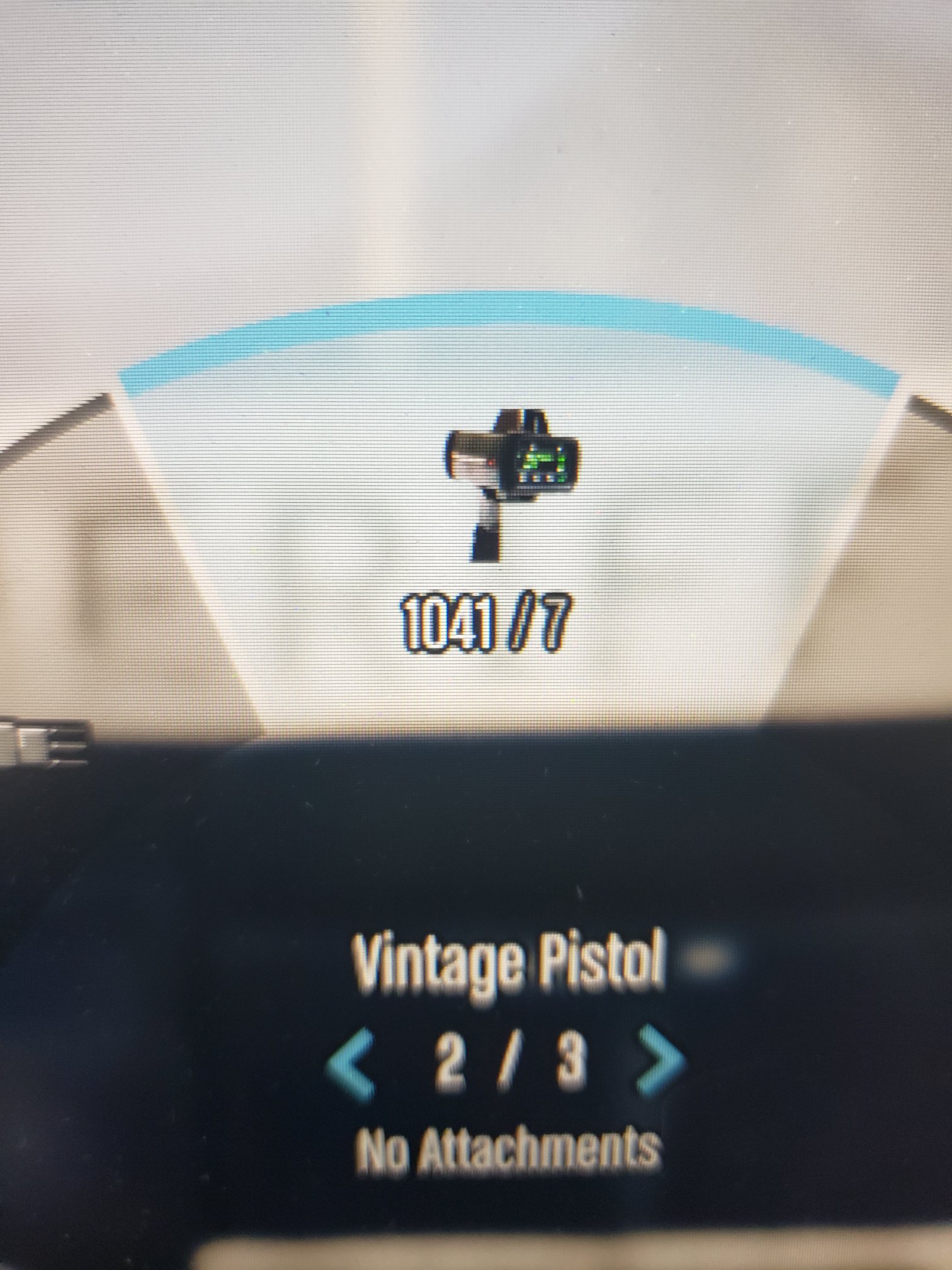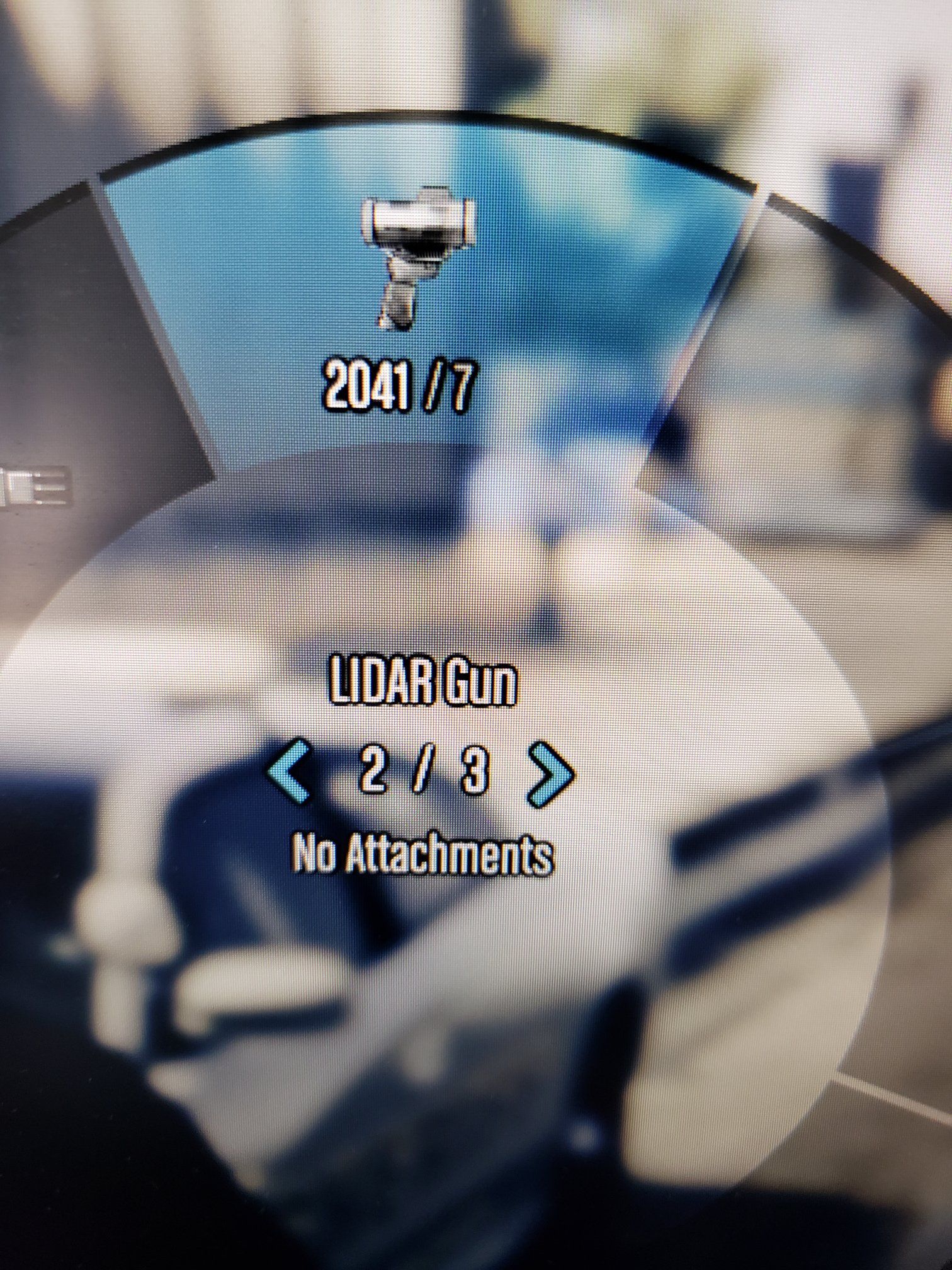
ProLaser 4 LIDAR - HUD icon and text
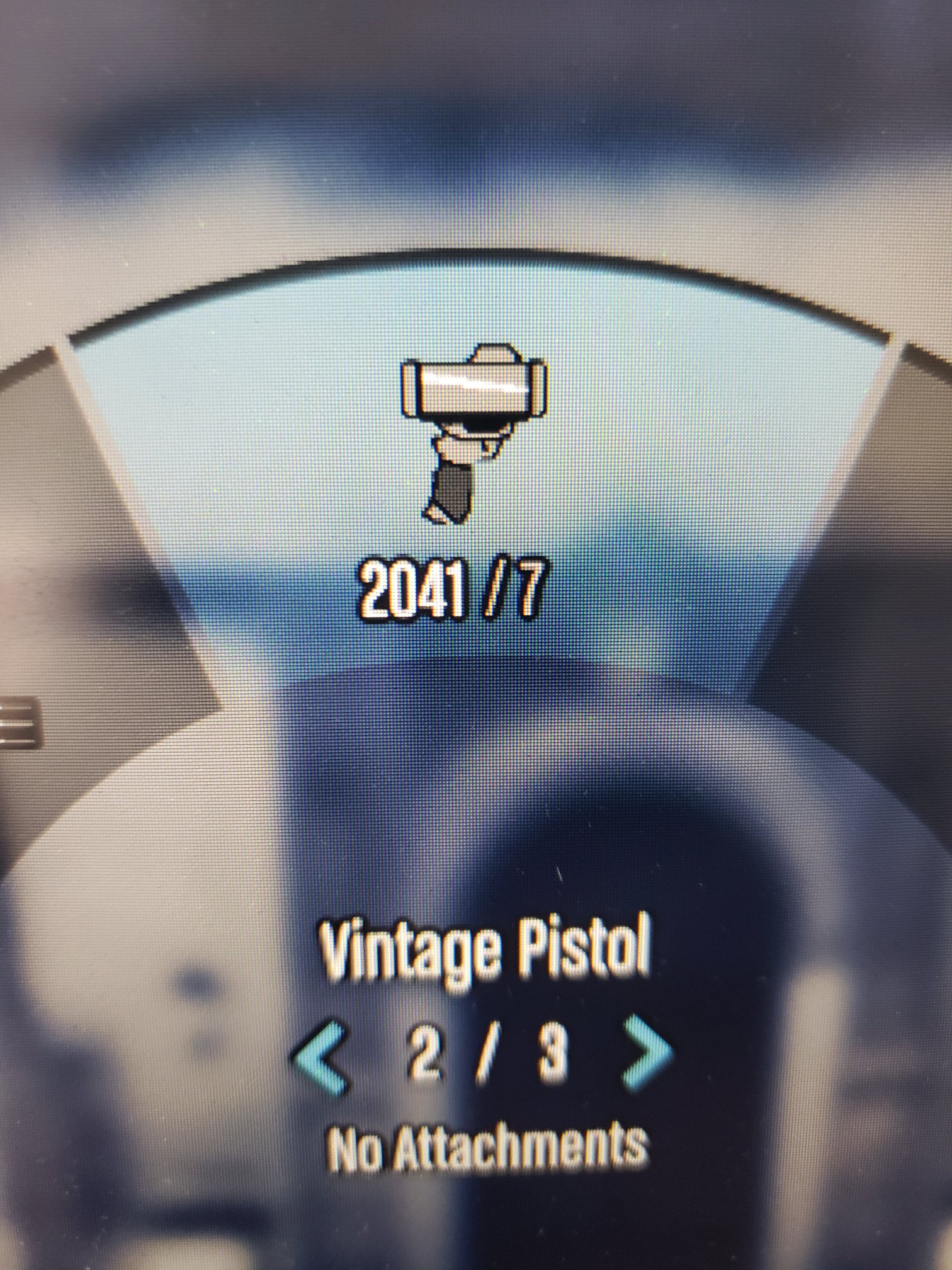
Details
*** INSTALLATION ***
Download this ZIP folder, and open with program of your choice - save where you can find it again easily.
1. Using OpenIV, and ensure "Edit Mode" is on - navigate to the following location --> mods / update / update.rpf / x64 / data / cdimages
2. Open up "scaleform_generic.rpf"
3. Once inside that .rpf, scroll down to the texture dictionary section and find "hud.ytd"
4. Double click "hud.ytd" to open it; scroll down to find "weapons_dlc_bb"
5. Right click on that, choose "replace", then find the "weapons_dlc_bb.dds" file from this download that you want to use
6. Pick the file you want by left clicking, then "open" - that will put you back into OpenIV, then click on "save".
7. Exit/close out of OpenIV
Info
Version: 1.1
Author: Medicmojo
Site updated: 2025-12-19 23:32:12
Dependencies
Requires:
Links
Screenshots